
FlowFocusThe free Pomodoro timer for study and work
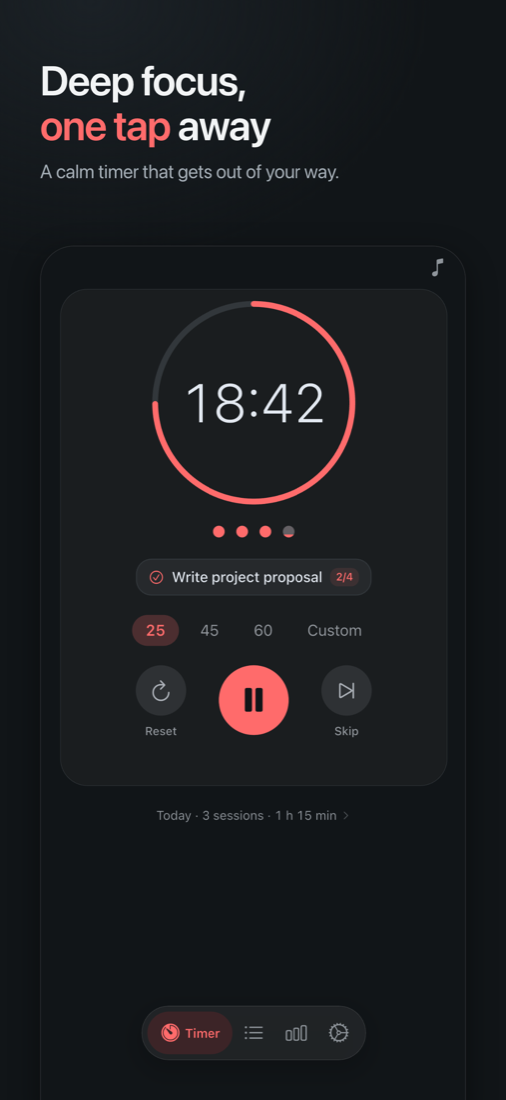
Pick a task, start a 25-minute focus session and let FlowFocus handle the breaks. Your timer follows you to the Lock Screen, your wrist and your Mac menu bar. Free, with no ads and no account to create. FlowFocus Pro is optional.
iPhone · Apple Watch · Mac · Android · Wear OS · Free with optional Pro
Everything a focus session needs
A timer, your tasks and your progress, on every screen you use
Pomodoro, your way
The classic 25/5, or your own presets for focus, short break and long break, with the long break after as many sessions as you choose.
Tasks that keep score
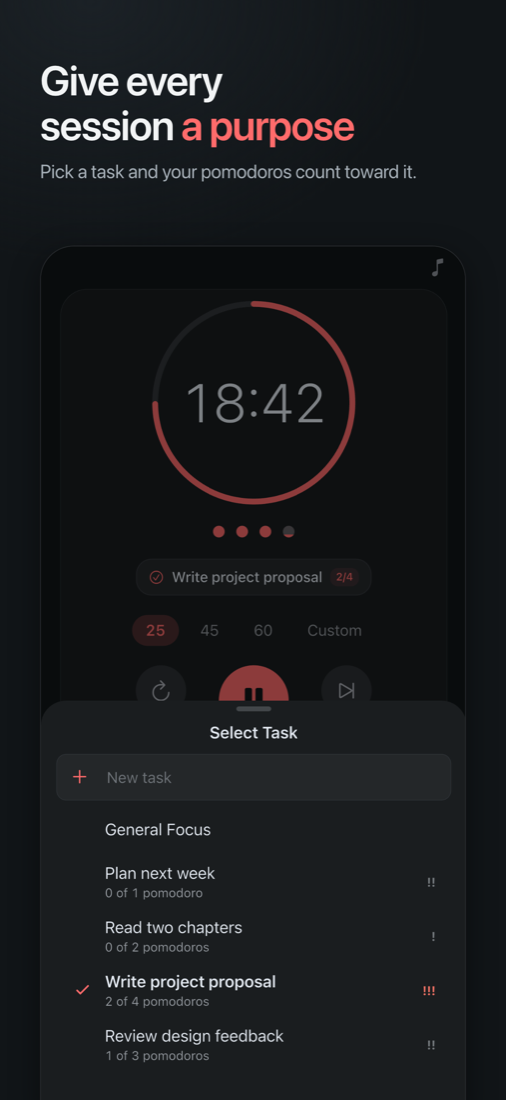
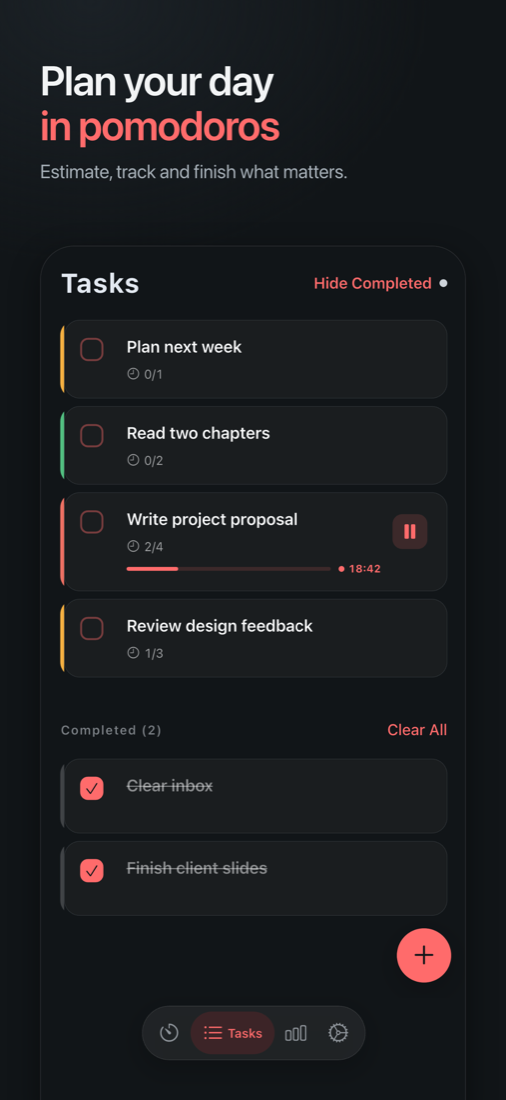
Estimate how many pomodoros a task needs, pick it on the timer, and watch its count grow. Priorities and due dates included.
Ambient focus sounds
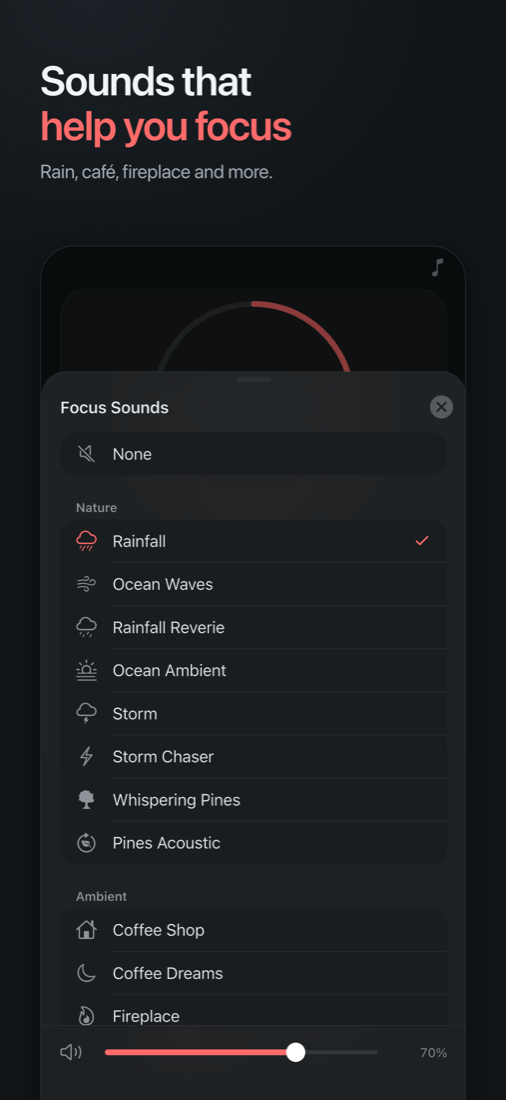
Ambient sounds such as rainfall, ocean waves and a coffee shop, still playing when your screen is locked. Four are free; FlowFocus Pro adds all 16.
Lock Screen and Dynamic Island
A Live Activity shows the time left and lets you pause or resume without opening the app.
Widgets and Control Center
Start a session in one tap from a Home Screen widget or Control Center on iPhone, or the widget and timer notification on Android.
On your wrist
Start, pause and follow your timer from Apple Watch, or from a Wear OS tile and watch face complication.
Mac menu bar
Your timer lives one click away in the menu bar, with global keyboard shortcuts.
Stats and streaks
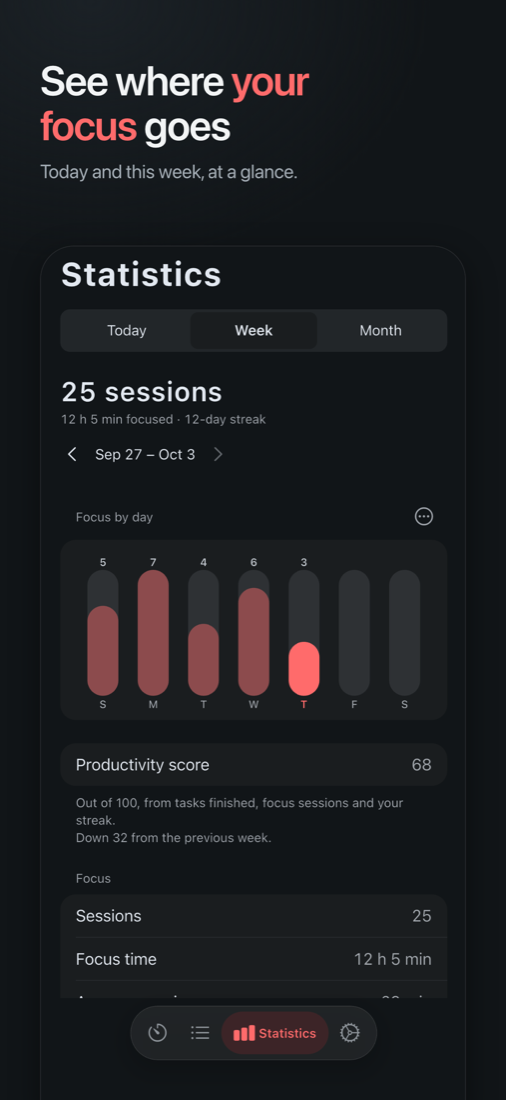
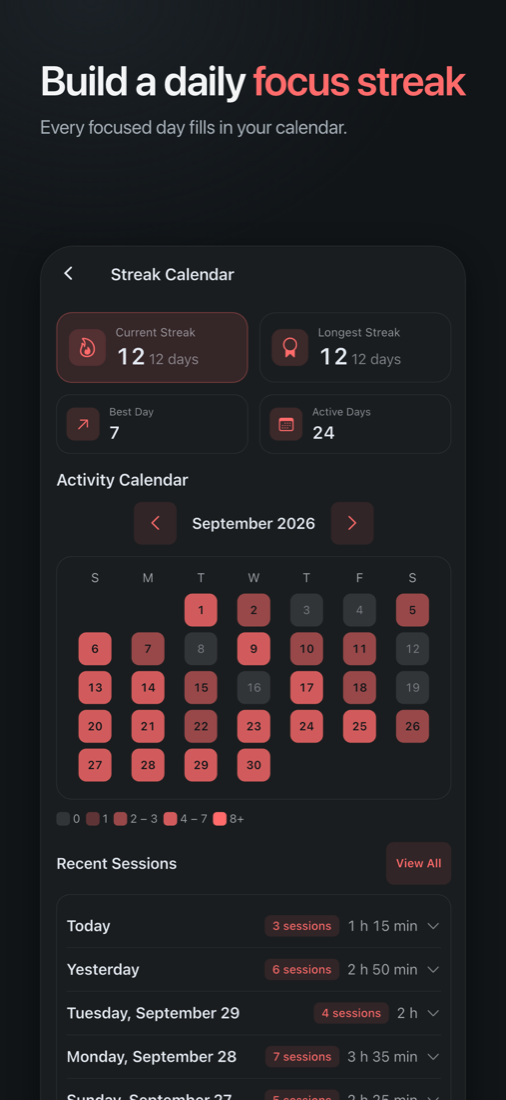
Today and this week focus charts, full session history and a streak calendar. FlowFocus Pro adds the month view and insights.
Private by design
No sign-up and no ads. Your iPhone, iPad and Mac stay in sync on their own, and you can export or delete everything at any time.
FlowFocus Pro, if you want more
Optional: all 16 themes and focus sounds, Commitment mode, month view and insights, CSV export, unlimited presets, and app blocking on Android.
See it in action
Questions people ask
Is FlowFocus free?
Yes. The timer, presets, tasks, daily and weekly stats, streaks, session history, the watch apps, widgets, sync and data export are free, with no ads and no account. FlowFocus Pro is an optional upgrade that adds all themes and focus sounds, Commitment mode, the month view and insights, CSV export, unlimited presets and app blocking on Android. In the US it costs $1.99 a month or $9.99 a year, each with a 3-day free trial, or $24.99 once for lifetime access. Prices in other countries are shown in the App Store or Google Play.
How do I cancel or restore FlowFocus Pro?
Subscriptions are managed by Apple or Google: cancel any time in your App Store account settings or in Google Play subscriptions, and you keep Pro until the end of the period you paid for. On a new phone or Mac, open FlowFocus Pro in Settings and tap Restore purchases.
Do I need an account?
No. FlowFocus works the moment you open it, with no sign-up and no password. Signing in with Apple or Google is optional and only useful if you want your history to follow you to a new phone.
What is the Pomodoro Technique?
You work in focused sprints, traditionally 25 minutes, each followed by a 5-minute break, with a longer break after four sprints. FlowFocus starts with that classic rhythm, and you can change every length or save your own presets.
Which devices does FlowFocus run on?
iPhone, Apple Watch, Mac, Android phones and Wear OS watches. On Mac it lives in the menu bar, and on iPhone your timer also appears on the Lock Screen and in the Dynamic Island.
Can I use FlowFocus to study?
Yes. It is built for students revising for exams as much as for deep work: link each session to a task, keep focus sounds running, and use the streak calendar to see every day you studied.
What happens to my data?
Your tasks, sessions and settings live on your device first. FlowFocus collects anonymous usage and crash reports to improve the app, never shows ads and never tracks you across other apps. You can export or delete all of your data from inside the app.
Start your first focus session
Free on every device, with nothing to sign up for.
FlowFocus is built by Tappect, the indie studio behind Nomu, the intermittent fasting timer.